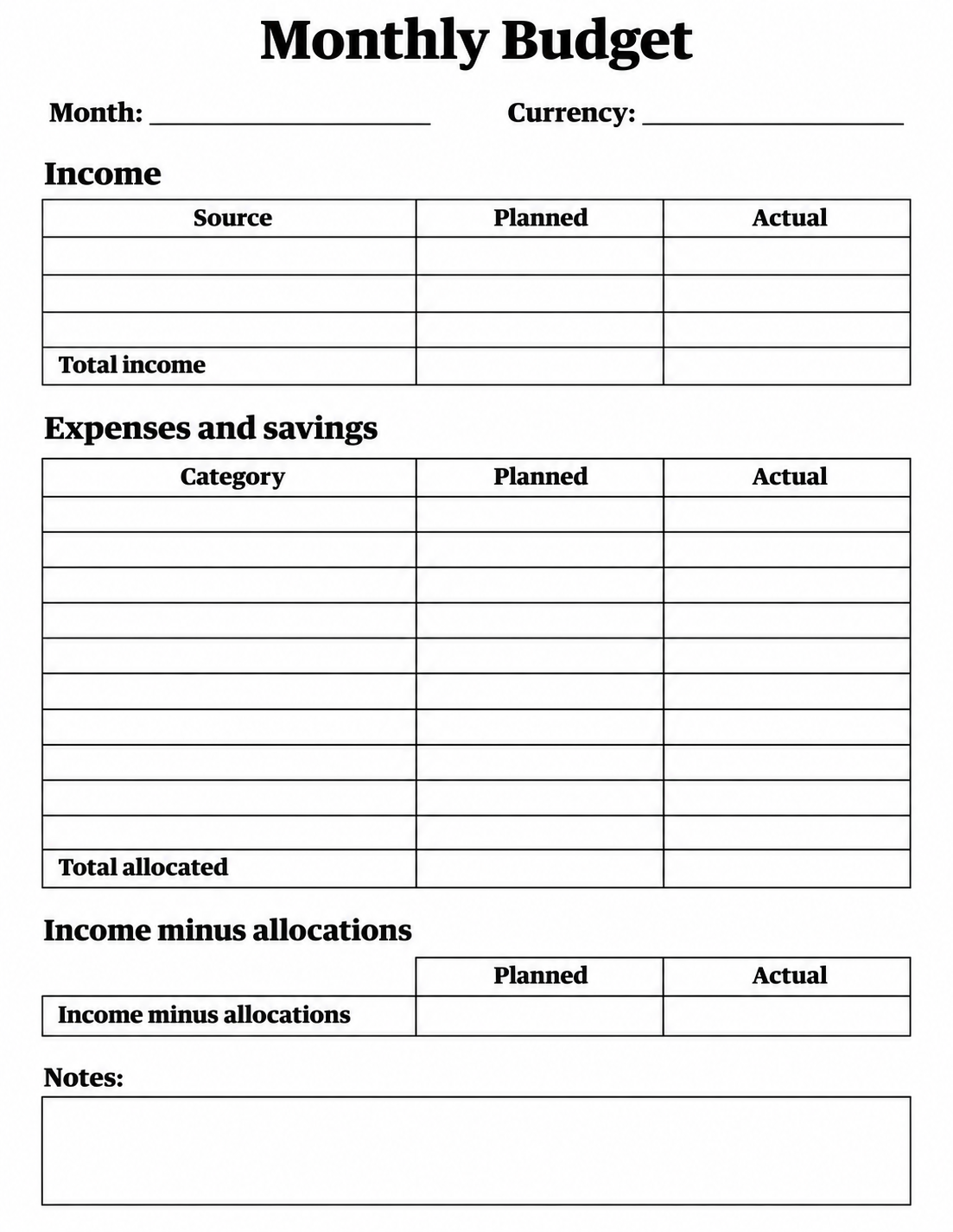
Plan one month on a blank budget sheet with separate columns for planned and actual amounts. Download the printable PDF for handwriting or the editable Excel workbook for calculations. Both versions include income, expenses and savings, totals, and space to review the amount left after allocations.
Blank Printable Monthly Budget Spreadsheet Template
Download the printable PDF | Download the full-size PNG image
Download the editable Excel budget template
How the workbook works
The Excel sheet has editable cells for your month, currency, income sources, and allocation categories. Enter amounts in the Planned and Actual columns. The total rows add those entries, and the bottom calculation subtracts total allocations from total income. Totals stay blank until their input sections contain numbers.
How to use this printable
- Choose the PDF for handwriting or the XLSX file for editing.
- Enter the month and use one currency throughout the sheet.
- Name your income sources and allocation categories, then add planned amounts.
- Record actual amounts during the month and review the two columns side by side.
Use a fresh copy each month
Treat savings as an allocation if you include it in the expenses-and-savings section. Use the same approach in both columns so the comparison remains consistent. If you add new rows in Excel, check that the total formulas include them. Keep an untouched copy of the template for next month.
Printing tips
The PDF is formatted for US Letter paper (8.5 × 11 inches). Print in portrait orientation and use the print preview to check the margins. For A4 paper, select Fit to printable area and check that the entire page is visible. Save the PNG if you need an image file. Print a test copy before making multiple copies.
Frequently asked question
Are the PDF and spreadsheet both editable?
The PDF is a static handwriting sheet. The Excel workbook is editable and includes formulas for totals and the amount left after allocations.